How to Calculate Your True Credit Card Processing Rate
One division problem tells you more about your processing costs than any rate you were quoted. Here's how to do it in five minutes.
When you signed up with your processor, someone probably told you a rate. Maybe 2.6%, maybe 1.9% plus a few cents. That number was real, but it was only part of the story.
Your true rate, which the industry calls your effective rate, includes everything. The per-sale charges, the monthly fees, the yearly fees, the small extras. It is the closest thing you have to a single score for your processing costs.
The formula
Here it is:
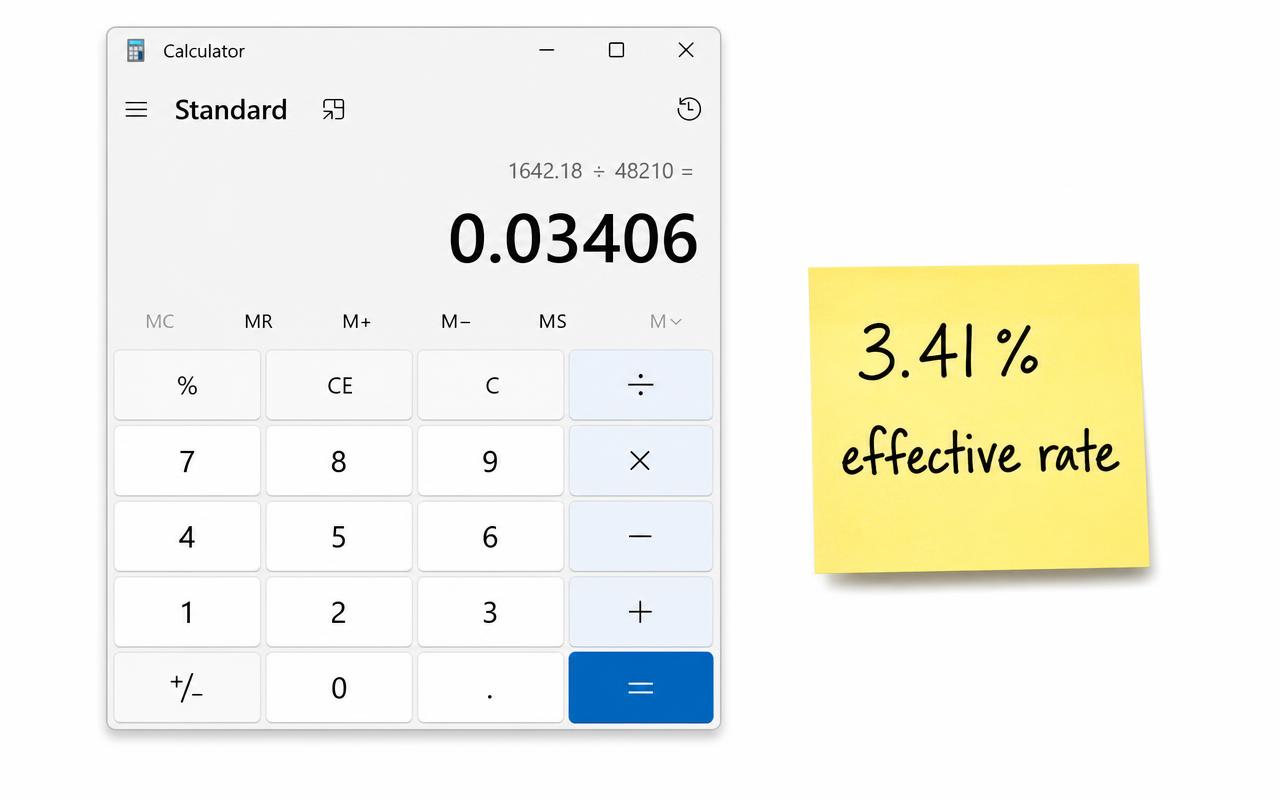
Effective rate = total processing fees ÷ total card sales × 100
That's it. You need two numbers, and both should be on your monthly statement.
Step 1: Find your total card sales
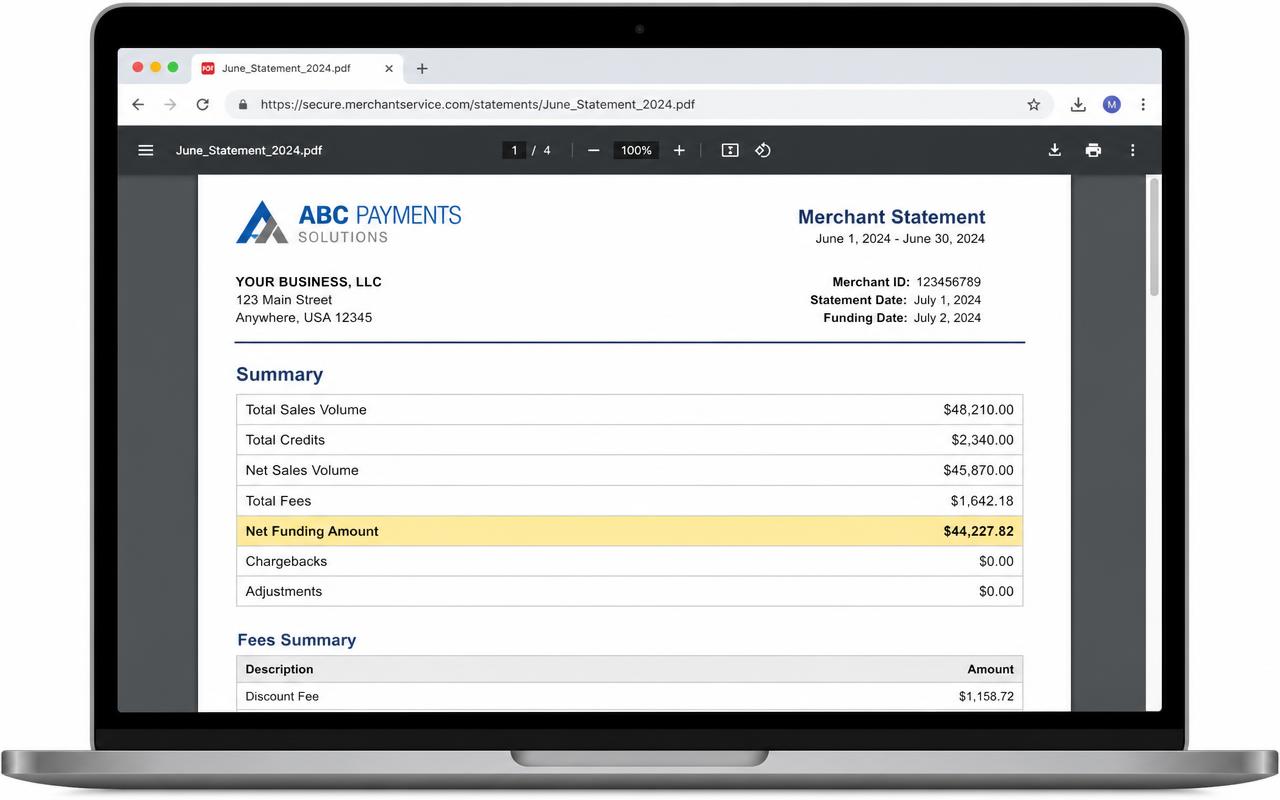
Look for a line called something like "total volume," "gross sales," "amount submitted," or "total processed." This is the dollar amount of all card payments you took that month, before any fees came out.
Use the gross number, not the amount that landed in your bank account. If your processor takes fees out of each day's deposit, the deposits will be smaller than your sales.
Step 2: Find your total fees
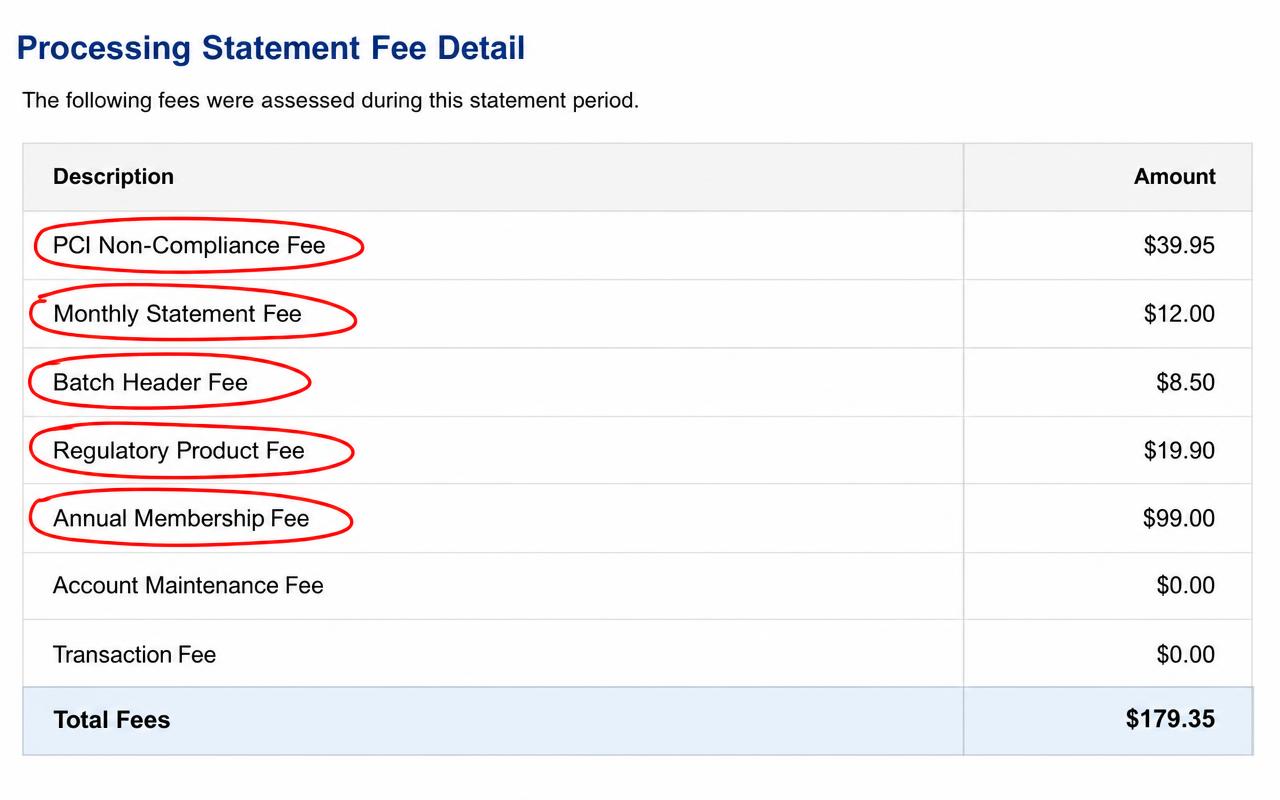
This one can be harder. Some statements show a clear "total fees" or "total charges" line. Others spread fees across several sections.
If there's no single total, add up the fee sections without counting a subtotal twice. Also check for separately billed payment-related costs. For an all-in comparison, include terminal leases and payment gateway fees; keep unrelated software services separate. Write down what you included so the next month and any competing quote use the same definition.
Step 3: Do the math
Divide fees by sales, then multiply by 100. Here's a made-up example to show how it works.
Example only: a restaurant's month
In plain terms, this business pays about $3.10 for every $100 it takes in on cards. Notice how the quoted percentage may have looked lower. The monthly fees and the lease are what push it up.
Step 4: Check a second month
One month can be odd. Maybe you had a slow week, or a yearly fee landed that month. Do the same math on two or three statements. If the numbers are close, you have a solid picture.
Slow months often show a higher effective rate. That's because flat monthly fees take up a bigger share when sales are lower. That is useful to know on its own.
What your number means
Four mistakes that can distort the result
- Using bank deposits as sales. Deposits may already have fees, refunds, or other adjustments deducted. Use the statement's gross card-sales figure consistently.
- Counting refunds or held funds as fees. A returned sale or reserve affects cash flow, but it isn't automatically a processing expense. Identify it before adding it to the numerator.
- Missing another payment provider. If one provider handles your counter and another handles online sales, calculate each separately or combine both providers' fees and sales for the same period.
- Comparing different definitions. A rate including equipment can't fairly be compared with a quote excluding equipment. Keep both the processing-only and all-in totals if needed.
Why a slow month can look more expensive
| Illustrative month | Card sales | Fees | Effective rate |
|---|---|---|---|
| Busier month | $40,000 | $1,100 | 2.75% |
| Slower month | $20,000 | $600 | 3.00% |
For a multi-month view, add the months' fees and divide by their combined card sales. In this example, $1,700 ÷ $60,000 × 100 is about 2.83%. Don't simply average monthly percentages when the sales volumes differ.
Here's the honest answer: there is no single "good" effective rate. It depends on things like:
- The kinds of cards your customers use (rewards and business cards usually cost more)
- Whether cards are swiped or tapped in person, or typed in online or over the phone
- Your average sale size
- Your type of business
- Your pricing plan and any extra services you pay for
So be careful with anyone who tells you a magic number without seeing your statement. What your effective rate does give you is a starting point. You can track it over time, and you can compare it against real offers.
The shortcut
If you'd rather skip the long division, our Effective Rate Calculator does it for you. Enter your sales and fees, and it shows your rate right away. No email needed.
Once you have the number, the next question is why it's that number. How to Read a Merchant Statement walks through where the fees come from.